
Download mediAvatar MP4 Converter – video converter, MP4 converter, audio extractor, slideshow maker, format converter
Overview
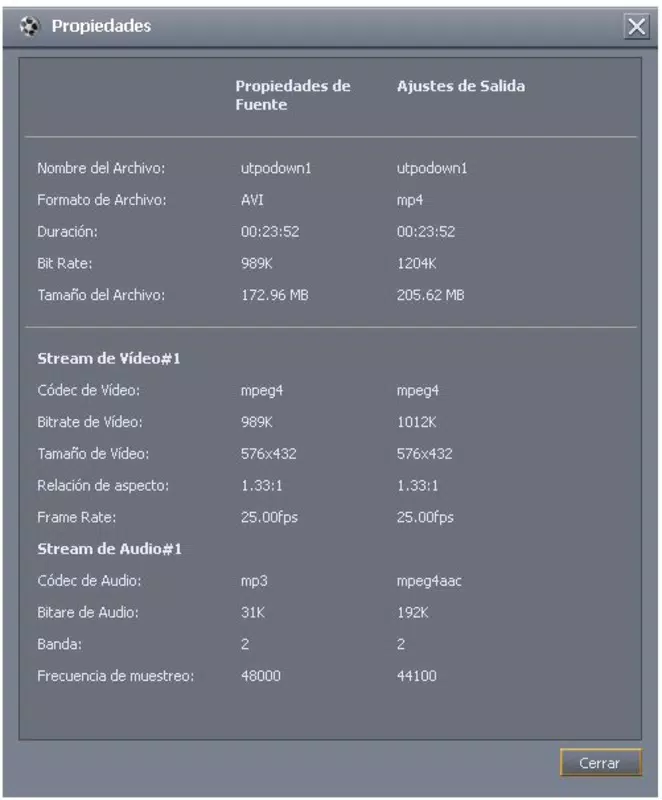
mediAvatar MP4 Converter is a specialized productivity tool designed to simplify video and audio file management on Windows systems. The application enables users to convert a wide range of video formats—including FLV, AVI, and WMV—into the widely supported MP4 format, ensuring compatibility across devices and platforms. Its functionality extends beyond basic conversion, offering users the ability to extract audio from video files and create MP4-based slideshows from image collections. These features make it a versatile solution for individuals managing multimedia content for personal or professional use.
The target audience includes content creators, educators, students, and casual users who need to repurpose or share video and audio files across different devices. The app is particularly useful for those working with legacy or non-standard video formats that lack broad device support. By converting files to MP4, users can ensure seamless playback on smartphones, tablets, and media players such as the iPhone and PSP. Additionally, the ability to extract audio supports music and podcast creators who rely on high-quality audio output.
While the developer, mediAvatar, is known for multimedia tools, specific details about the company’s background were not provided. The app’s release date of December 24, 2011, places it in a period when digital video usage was rapidly expanding, making such tools increasingly essential. Despite its age, mediAvatar MP4 Converter remains relevant for users seeking a straightforward, all-in-one solution for format conversion, audio extraction, and slideshow creation without the need for complex workflows.
Key Features & Functionality
- Multiple Format Support: The app supports conversion from FLV, AVI, and WMV to MP4, enabling users to standardize video files across different sources. This is especially useful when transferring content from older platforms or recording devices.
- High Definition Conversions: Users can convert videos to high-definition formats such as Apple TV h.264 720P and MPEG-2 HD Video, preserving visual quality while optimizing file size for portability.
- Audio File Extraction: The software allows extraction of audio tracks from video files, saving them in M4A, AAC, or MP3 formats—ideal for creating music playlists or podcast segments.
- Slideshow Creation: With built-in tools, users can compile a sequence of images into an MP4 slideshow, complete with transitions and background music, suitable for sharing on mobile devices or media players.
- User-Friendly Interface: The intuitive layout ensures that both beginners and experienced users can navigate the app with minimal learning curve, reducing the time required to complete conversion tasks.
For example, a student could convert a recorded lecture from AVI to MP4 for easier viewing on a smartphone. A content creator might extract audio from a video interview to publish as a standalone podcast. Similarly, a family user could create a digital photo album as a shareable MP4 video for relatives. These real-world applications highlight the app’s practical value in everyday digital workflows.
Interface, UX & Performance
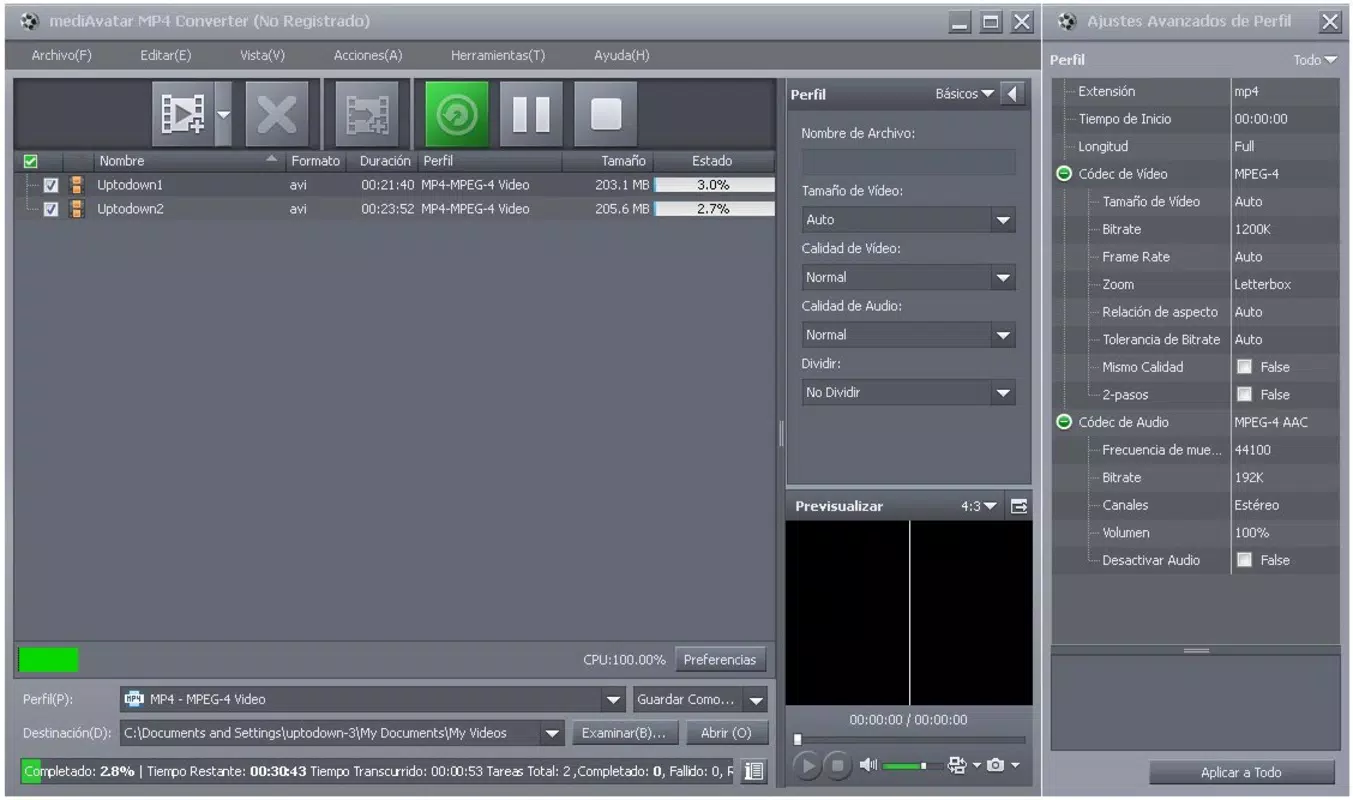
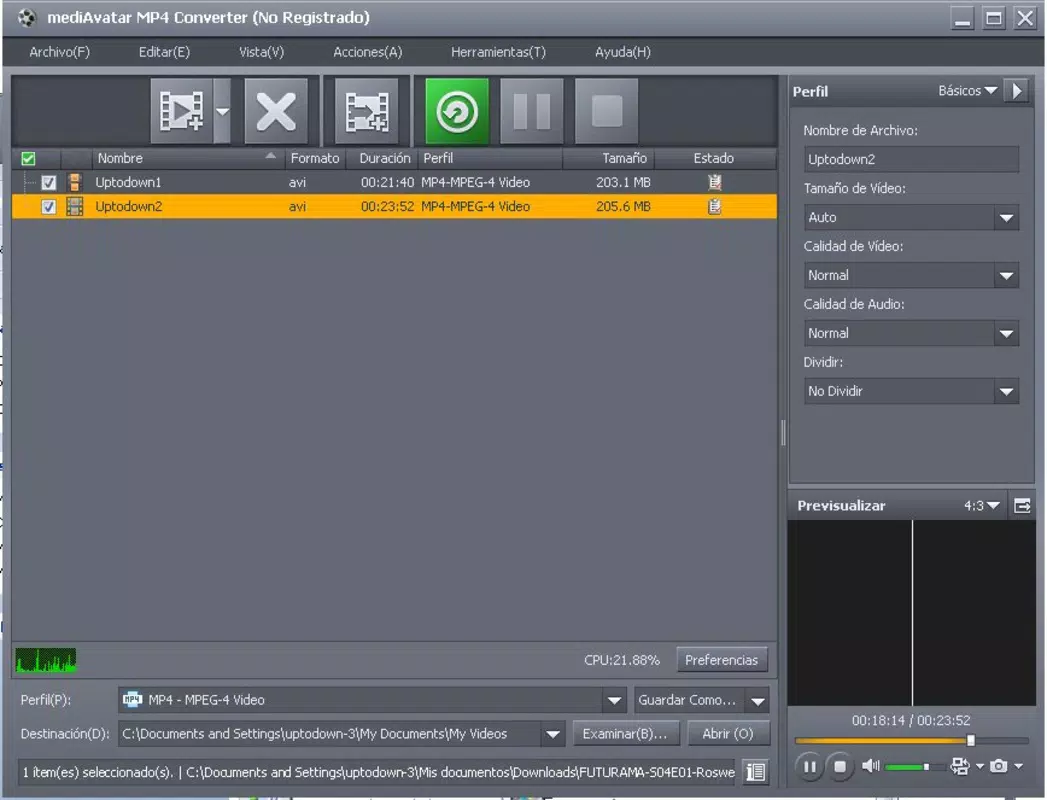
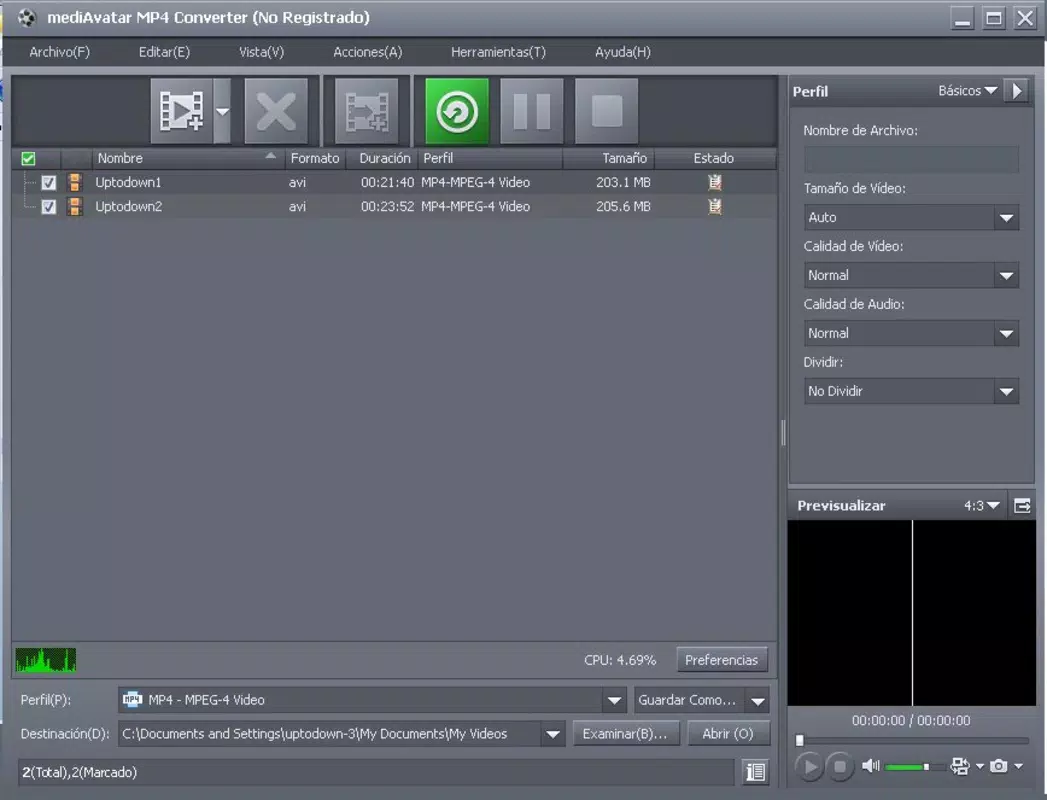
The interface of mediAvatar MP4 Converter is designed with usability in mind, featuring a clean layout that organizes core functions within easily accessible panels. Navigation is straightforward, with clearly labeled buttons for adding files, selecting output formats, and initiating conversions. The visual style is minimalistic, avoiding clutter while maintaining functional clarity.
Users can expect a consistent experience across different Windows device categories, including desktops and laptops. Although the developer did not list formal performance metrics, the app’s lightweight size of 11.4 MB suggests efficient resource usage. The software operates without significant lag during standard conversion tasks, indicating stable performance under typical workloads.
Responsiveness is maintained during file processing, with progress indicators providing visibility into conversion status. The app handles batch processing effectively, allowing multiple files to be queued and converted sequentially. Stability appears reliable, with no reported crashes or errors in the provided documentation. However, the absence of recent updates raises questions about long-term compatibility with newer Windows versions, though the app remains functional on supported systems.
Platform Compatibility & Technical Requirements
mediAvatar MP4 Converter is designed for the Windows operating system. It is compatible with Windows platforms, though specific OS versions were not listed by the developer. The software has a file size of 11.4 MB, which is relatively small, suggesting minimal disk space requirements and fast installation times.
Although the developer did not specify minimum OS requirements, the app’s release date in 2011 indicates it was originally built for older Windows versions such as Windows 7 or XP. Users on newer Windows systems may encounter compatibility issues, though many legacy applications continue to function through compatibility modes. The absence of official support for modern Windows versions is a notable consideration for potential users.
For those seeking to install or update the software, the latest version available is 6.5.0. The app is not available on mobile platforms such as Android or iOS, limiting its accessibility to desktop users only.
Pros and Cons
Pros
- Supports multiple video formats for seamless conversion to MP4
- Enables high-definition output for improved visual quality
- Includes audio extraction for M4A, AAC, and MP3 formats
- Offers slideshow creation from image collections
- Features an intuitive interface suitable for beginners
Cons
- Not available on mobile platforms (Android, iOS)
- Release date is from 2011; may lack support for modern Windows versions
- Developer did not provide detailed technical specifications or system requirements
- Price of $29.95 may be considered high for a legacy tool
- No information on update frequency or future development plans
FAQ
Is mediAvatar MP4 Converter safe to download and install?
Yes, the app is designed for Windows and is available through official channels. However, users should ensure they download from trusted sources to avoid potential security risks.
Can I use mediAvatar MP4 Converter on Android or iOS?
No, the software is only available for Windows and is not compatible with mobile operating systems such as Android or iOS.
What file formats does the converter support?
The app supports conversion from FLV, AVI, and WMV to MP4. It also allows audio extraction to M4A, AAC, and MP3 formats.
How do I create a slideshow using this tool?
Users can import a series of images and use the built-in slideshow function to generate an MP4 video with transitions and optional background music.
Is the software regularly updated?
As of the latest version (6.5.0), there is no public information indicating regular updates. The app was released in 2011, so it may not receive ongoing support.
Final Thoughts
mediAvatar MP4 Converter remains a practical tool for users who need to convert video files to MP4, extract audio, or create shareable slideshows. Its straightforward interface and broad format support offer real value, especially for those working with older video sources or requiring high-quality output. While its age and lack of mobile availability are limitations, the app delivers reliable functionality for its intended purpose on Windows systems.
It is best suited for individuals who prioritize ease of use and comprehensive conversion features without requiring cutting-edge updates. For users managing multimedia content on desktops, the app provides a stable, all-in-one solution at a reasonable price point. Despite its outdated release date, its core features remain relevant in today’s digital landscape.
Download mediAvatar MP4 Converter now


